Documentation
Eliminate documentation debt. Feed your knowledge base.
Autonomous documentation for any application workflow, in perfect sync with your internal systems.
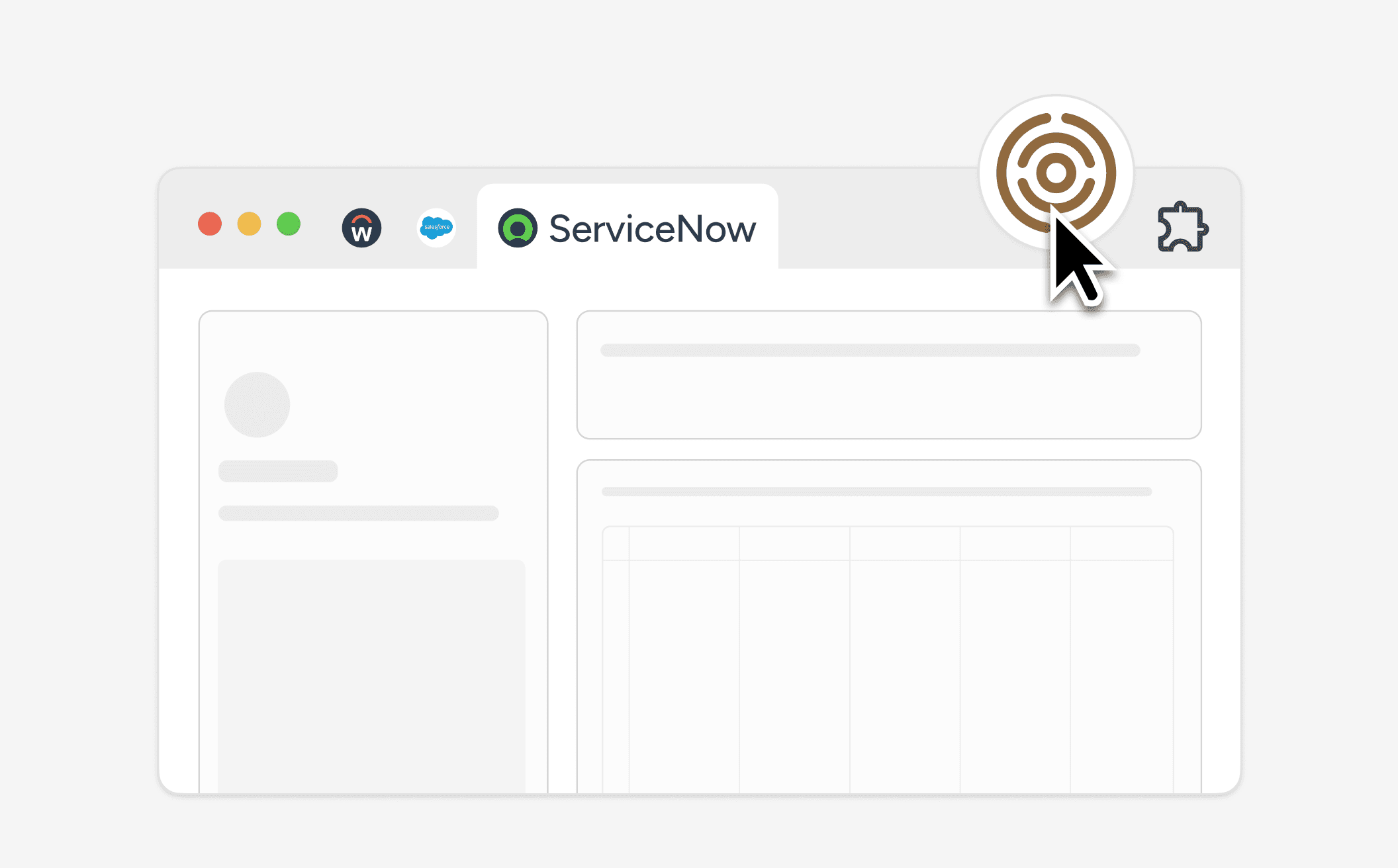
Admin workflows are documented as they happen in real time.
Application administrators do all of their work inside of the browser. Mando is a browser extension that sits alongside the admin's screen, analyzing their actions in real time, processing the context behind each action to generate world-class documentation in minutes.
Admin workflows are documented as they happen in real time.
Application administrators do all of their work inside of the browser. Mando is a browser extension that sits alongside the admin's screen, analyzing their actions in real time, processing the context behind each action to generate world-class documentation in minutes.
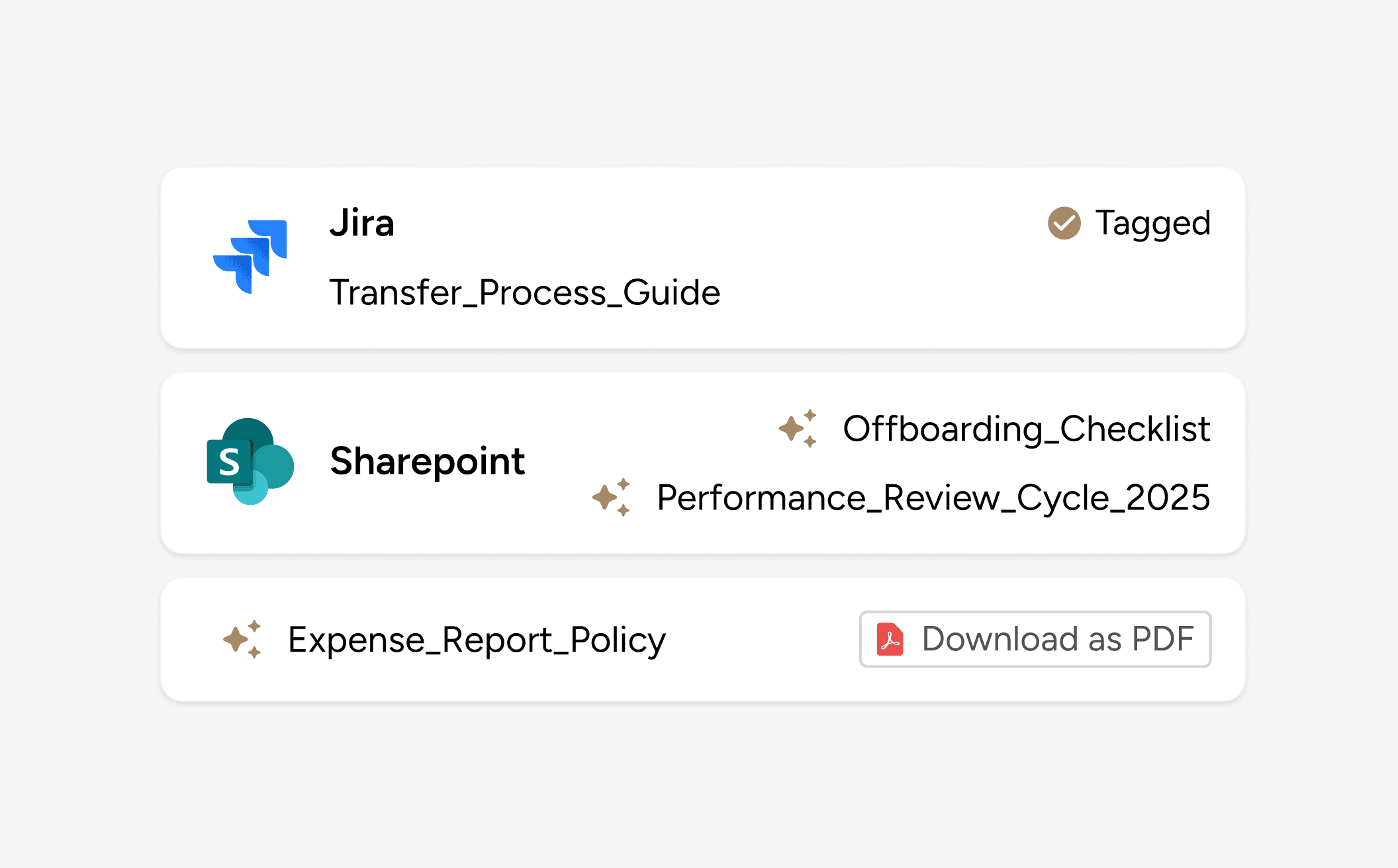
Native connectors to all your internal systems. No more stale docs.
Documents generated by Mando can be shared, exported, or synced directly with the systems you already use. Resolve an issue once, then reuse the generated documentation as a training guide, an SOP, or as a detailed test case.
Native connectors to all your internal systems. No more stale docs.
Documents generated by Mando can be shared, exported, or synced directly with the systems you already use. Resolve an issue once, then reuse the generated documentation as a training guide, an SOP, or as a detailed test case.
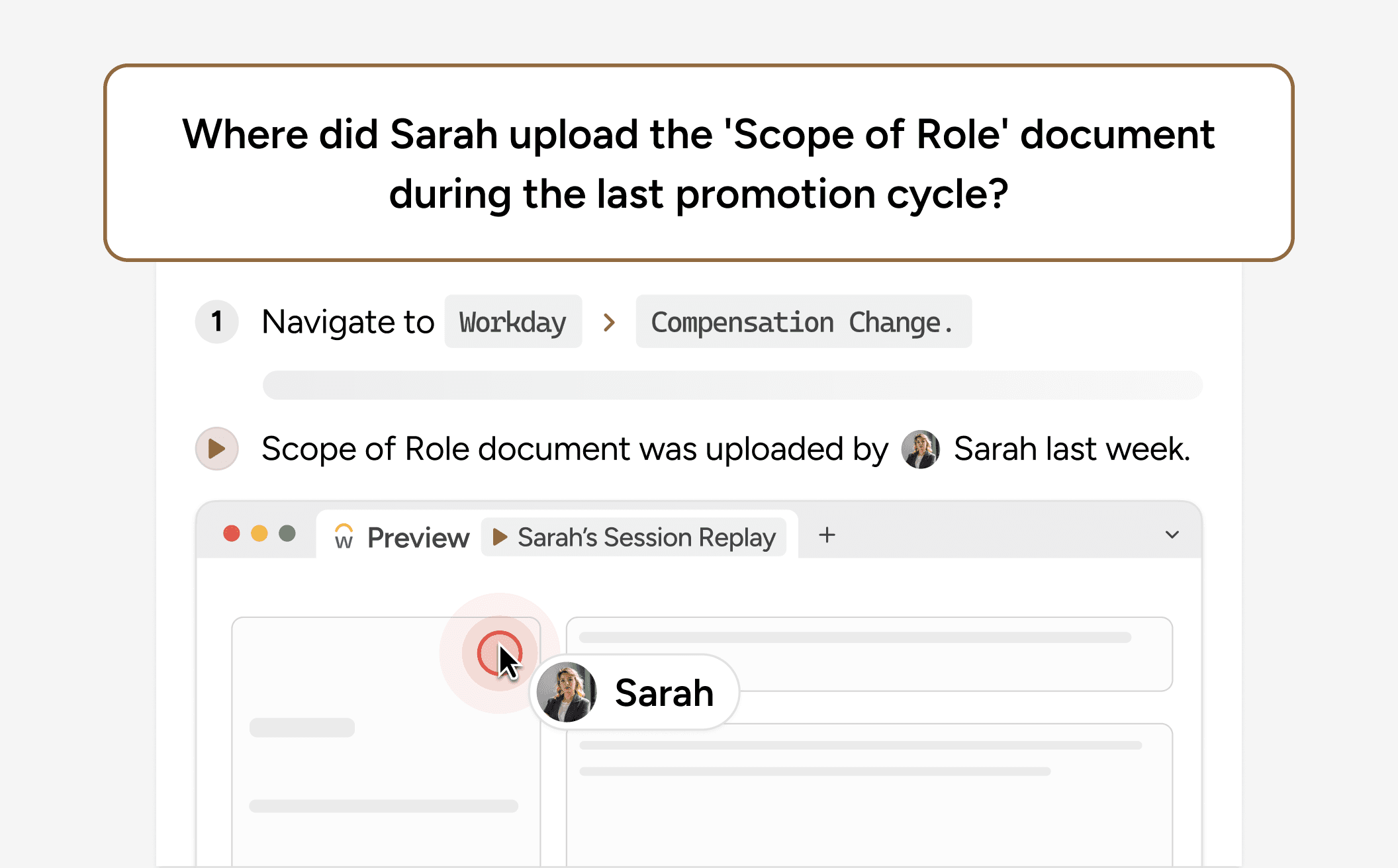
AI-powered knowledge base trained on all your team's documents.
Each document automatically feeds a shared knowledge base that no longer goes stale. Admins and stakeholders can ask any internal application related question and get answers grounded in the truth of how your systems are configured.
AI-powered knowledge base trained on all your team's documents.
Each document automatically feeds a shared knowledge base that no longer goes stale. Admins and stakeholders can ask any internal application related question and get answers grounded in the truth of how your systems are configured.
Got questions about your documentation? Get answers in seconds
Each guide automatically feeds a shared knowledge base grounded in real system activity. Anyone can ask a question and receive answers sourced directly from recorded workflows, not assumptions or generic documentation. Knowledge stops living in people’s heads.
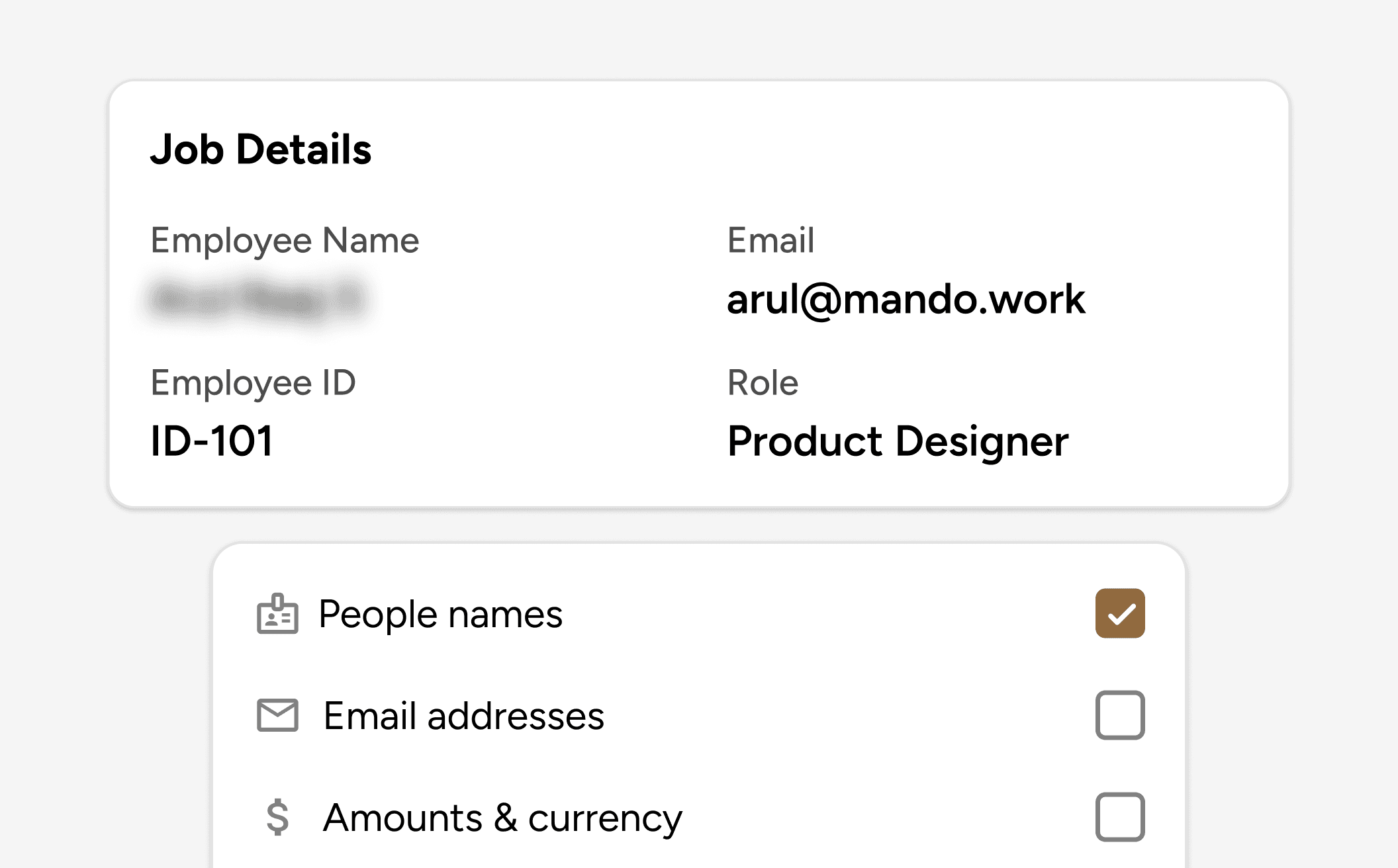
ML-powered auto-redaction. PII gets masked at the point of capture.
Sensitive information can automatically be redacted from any document, including PII and confidential system data. Mando is natively built with RBAC & SOC-2 controls to guarantee documentation being generated never compromises security.
ML-powered auto-redaction. PII gets masked at the point of capture.
Sensitive information can automatically be redacted from any document, including PII and confidential system data. Mando is natively built with RBAC & SOC-2 controls to guarantee documentation being generated never compromises security.
The most secure way to document your critical application workflows
The most secure way to document your critical application workflows
Full-context workflow capture (before and after screen states)
Full-context on screen capture
AI-enhanced step generation
AI-enhanced step generation
Purpose-built for application support admins
Purpose-built for application admins
Automatic PII masking
Automatic PII masking
Reusable institutional memory
Reusable institutional knowledge
Traditional Solutions
Traditional Solutions
Mando
Mando
Frequently asked questions
Frequently asked questions
How is Mando different from tools like Scribe, Loom, or Tango?
Mando is built specifically for application support admins, not generic process capture. It understands application context, before and after screen states, and real configuration workflows. The output reflects how systems actually change, not just a linear click path.
Do admins need to change how they work to create documentation?
No. Mando sits alongside the browser where admins already work. Documentation is generated automatically while admins work in their respective application environments, without scripting or post cleanup.
What can we do with the documentation once it is created?
You can tag it to a Jira ticket, send it to SharePoint, export it as a PDF, or reuse it for audits, training, change tracking, testing, and future incidents. One document serves multiple downstream needs.
How does Mando make documentation searchable and useful later?
Every document feeds a shared knowledge base grounded in recorded workflows. Admins can ask questions in natural language and get answers sourced from real system activity, not static text or assumptions.
How does Mando handle sensitive or regulated data?
Mando automatically redacts PII and confidential system data at the point of capture. Auto redaction is ML powered and the product is built with SOC 2 controls, so teams can document workflows without exposing sensitive information.
Is this documentation only useful for training, or also for operations?
It is equally valuable for both. Operational teams use it to understand what changed, how an issue was resolved, and why a system behaves the way it does. Training teams use the same documentation to onboard new admins using real workflows, not hypothetical examples. One artifact supports live operations, audits, and change tracking while also serving as durable, high quality training material.
How is Mando different from tools like Scribe, Loom, or Tango?
Mando is built specifically for application support admins, not generic process capture. It understands application context, before and after screen states, and real configuration workflows. The output reflects how systems actually change, not just a linear click path.
Do admins need to change how they work to create documentation?
No. Mando sits alongside the browser where admins already work. Documentation is generated automatically while admins work in their respective application environments, without scripting or post cleanup.
What can we do with the documentation once it is created?
You can tag it to a Jira ticket, send it to SharePoint, export it as a PDF, or reuse it for audits, training, change tracking, testing, and future incidents. One document serves multiple downstream needs.
How does Mando make documentation searchable and useful later?
Every document feeds a shared knowledge base grounded in recorded workflows. Admins can ask questions in natural language and get answers sourced from real system activity, not static text or assumptions.
How does Mando handle sensitive or regulated data?
Mando automatically redacts PII and confidential system data at the point of capture. Auto redaction is ML powered and the product is built with SOC 2 controls, so teams can document workflows without exposing sensitive information.
Is this documentation only useful for training, or also for operations?
It is equally valuable for both. Operational teams use it to understand what changed, how an issue was resolved, and why a system behaves the way it does. Training teams use the same documentation to onboard new admins using real workflows, not hypothetical examples. One artifact supports live operations, audits, and change tracking while also serving as durable, high quality training material.
Document every critical workflow without slowing your team down.
Mando captures admin work as it happens and turns it into reusable docs, SOPs, and knowledge base answers.
"Documentation that would have taken us an entire day to build got shrunk down to a 1 hour session."

Jess Wagner
HRIS Systems Lead @ Deluxe
"For a small but mighty team, Mando has changed the equation: less time, effective solutions, cleaner documentation, better system, happier stakeholders."


Tami Olsen
Systems Lead @ City of Provo
"If Mando's not bringing back what I'm looking for, it's nowhere else."


Christian Delcid
Global HRIS Lead @ Asahi Kasei
Clarity across every corner of your most mission critical applications

Document every critical workflow without slowing your team down.
Mando captures admin work as it happens and turns it into reusable docs, SOPs, and knowledge base answers.
"Documentation that would have taken us an entire day to build got shrunk down to a 1 hour session."
Jess Wagner
HRIS Systems Lead @ Deluxe
"For a small but mighty team, Mando has changed the equation: less time, effective solutions, cleaner documentation, better system, happier stakeholders."
Tami Olsen
Systems Lead @ City of Provo
"If Mando's not bringing back what I'm looking for, it's nowhere else."
Christian Delcid
Global HRIS Lead @ Asahi Kasei
Testimonials
Clarity across every corner of your most mission critical applications
Document every critical workflow without slowing your team down.
Mando captures admin work as it happens and turns it into reusable docs, SOPs, and knowledge base answers.
"Documentation that would have taken us an entire day to build got shrunk down to a 1 hour session."
Jess Wagner
HRIS Systems Lead @ Deluxe
"For a small but mighty team, Mando has changed the equation: less time, effective solutions, cleaner documentation, better system, happier stakeholders."
Tami Olsen
Systems Lead @ City of Provo
"If Mando's not bringing back what I'm looking for, it's nowhere else."
Christian Delcid
Global HRIS Lead @ Asahi Kasei
Clarity across every corner of your most mission critical applications